
How to use the global search
Written by Nutcache Team
Updated
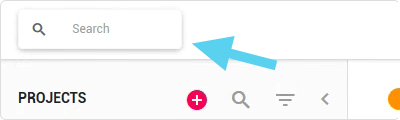
Located at the top left of your application, the global search feature allows you to quickly search tasks, project phase and projects all across your organization.
How to perform a search
To search for an item, simply:
Click in the search area
Enter the text to be searched for
Hit Enter
If you get too many results for a category, such as a project, click the Show more projects link to display all the projects found.
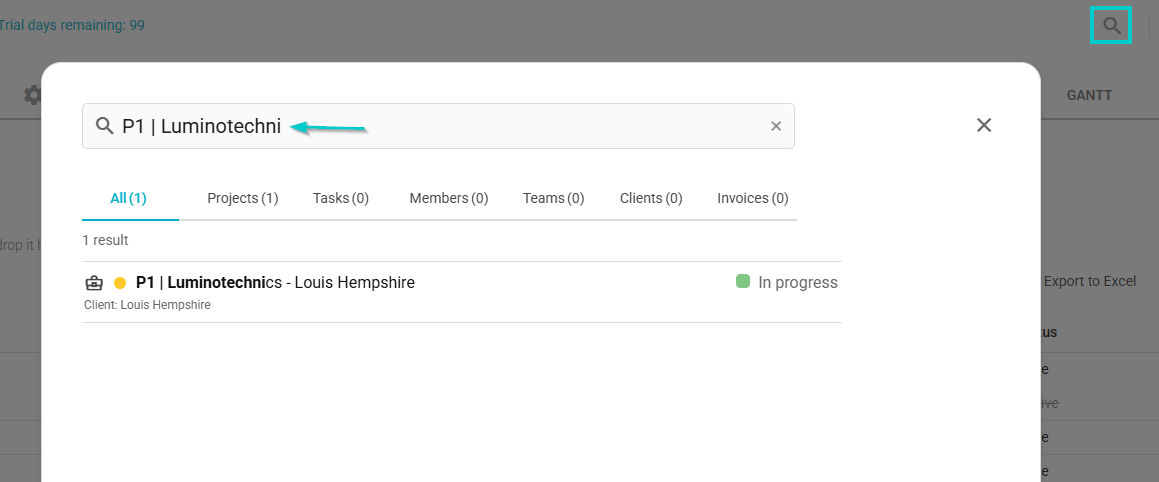
Clicking the search result will automatically open the project in a new tab so that you keep your search results intact.
Need a hand?
Our team can help you find the answer.
Contact us